


Best Baby Monitors for Modern UK Nurseries

A baby monitor earns its place in the nursery at the moments you cannot be in two rooms at once: when you are settling a sibling, answering the door, cooking supper or finally taking a shower during nap time.
The best baby monitors UK parents choose are not necessarily those with the longest feature list. They are the ones that suit the shape of your home, your baby's sleep space and the reassurance you actually want from day to day.
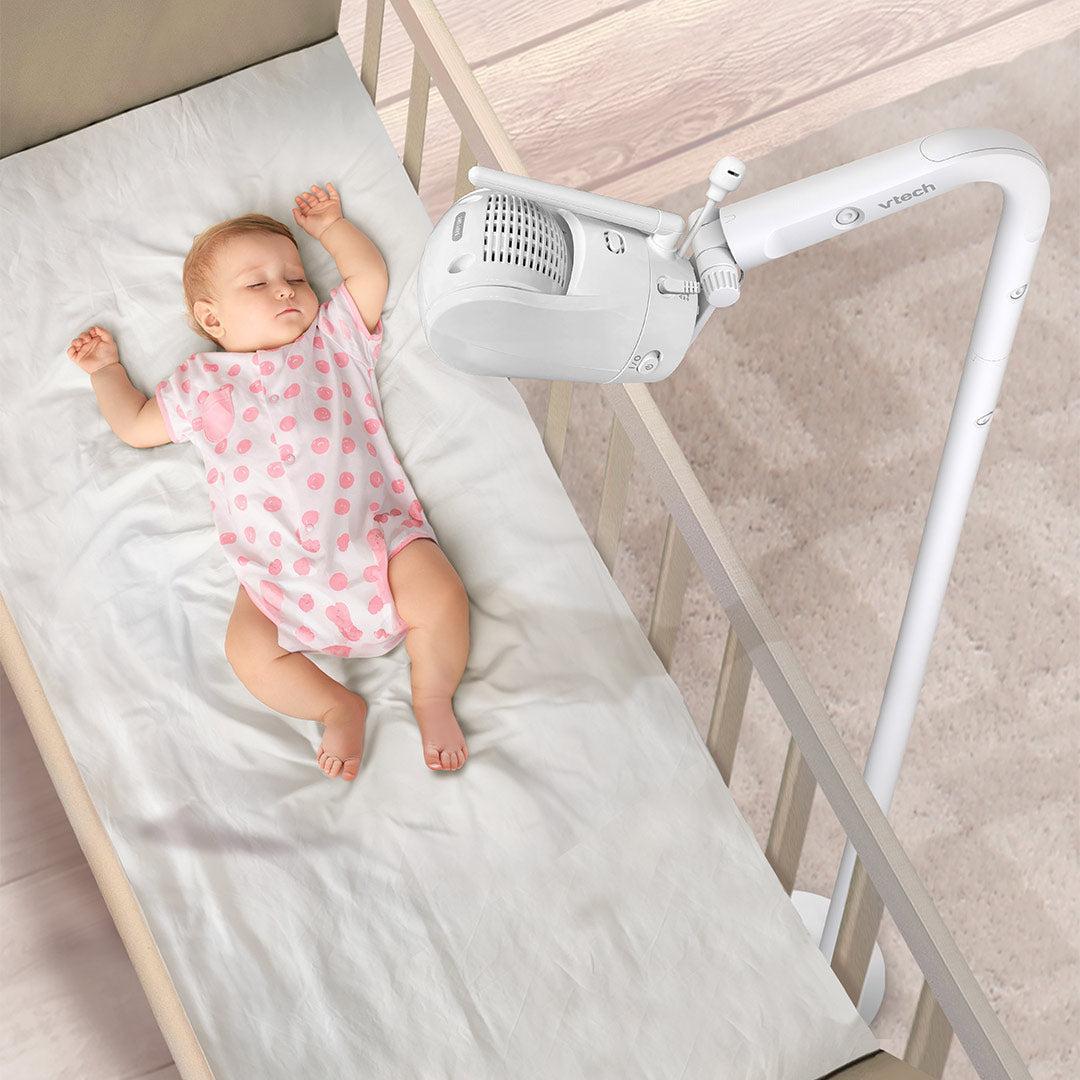
For some families, that means a simple audio monitor with a dependable signal. For others, a high-quality video feed, remote camera control and an app for checking in while working downstairs will make the biggest difference. Here is how to choose with confidence, without paying for features that will go unused.
Start with the monitor type that fits your routine
Baby monitors broadly fall into three categories: audio, video and smart monitors. Each has a place, and the right choice depends less on what is trending and more on how you parent at home.
An audio monitor is a beautifully straightforward option for parents who want to hear when their baby stirs, cries or wakes. Many include useful extras such as temperature readings, a soft night light, two-way talk and sound-activated lights. They tend to be compact, easy to use and particularly useful if your home is smaller or you do not feel the need to watch every movement.
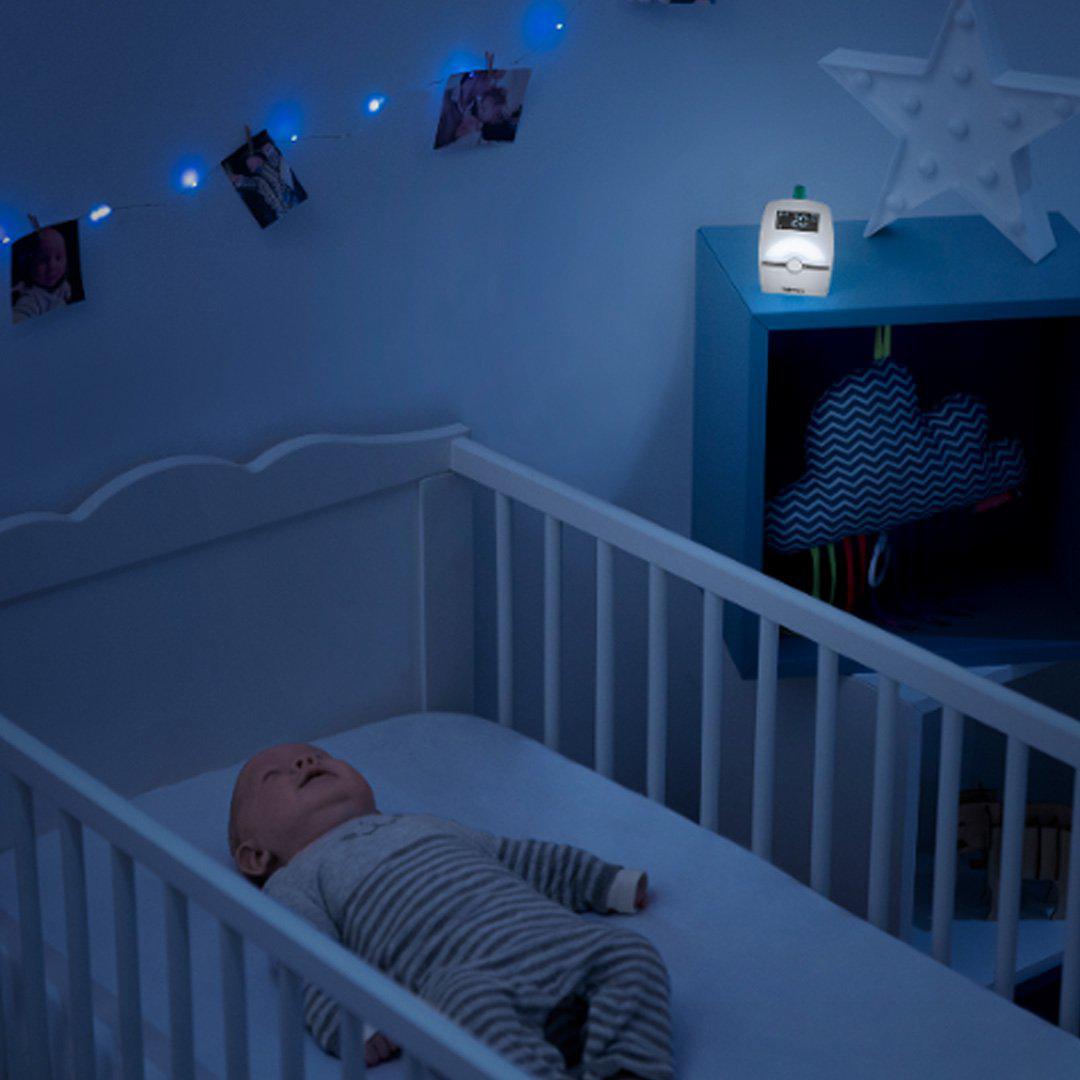
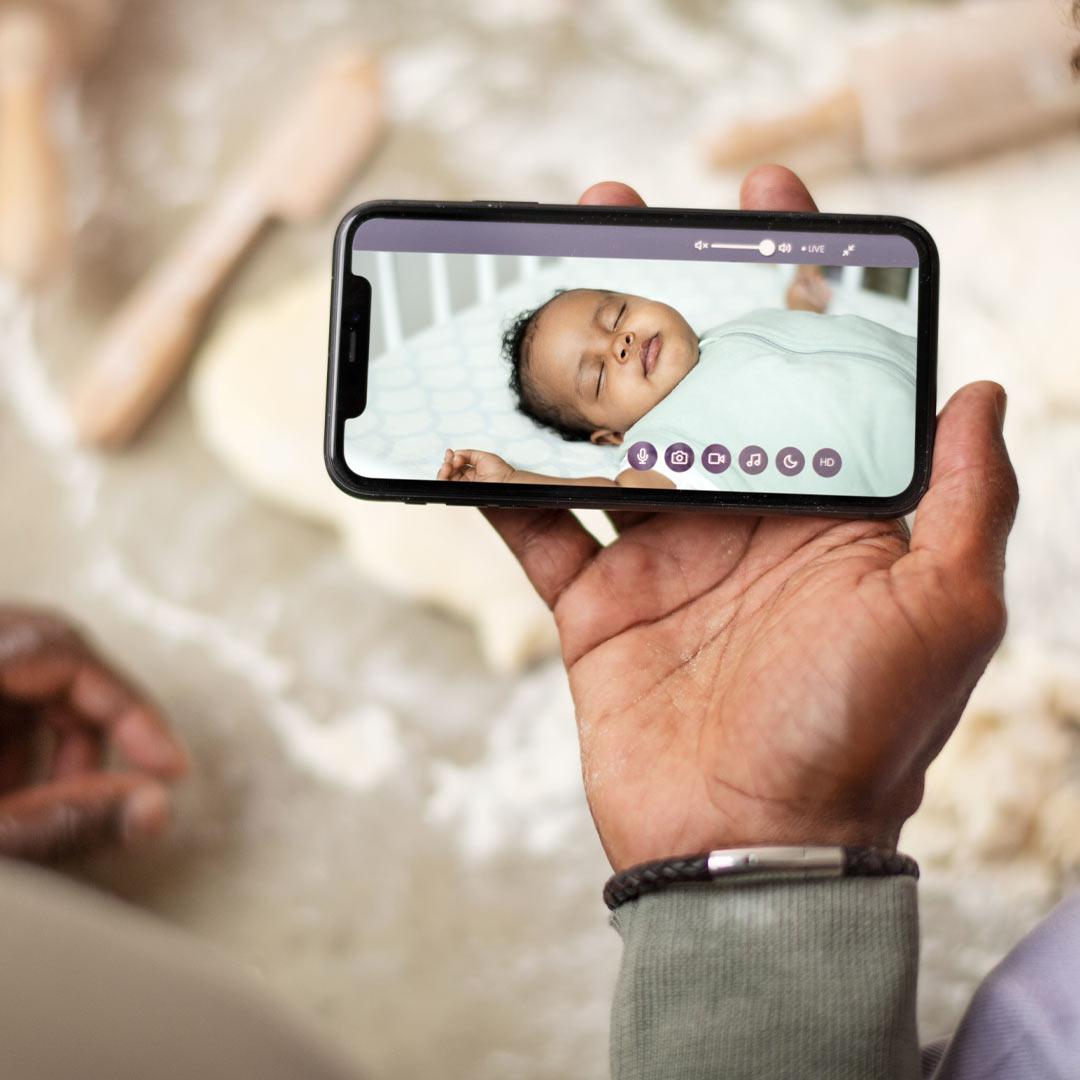
Video monitors add a live view of the cot or crib, often with infrared night vision for a clear picture after lights out. Being able to see whether a little one is awake, simply wriggling between sleep cycles or genuinely calling for you can prevent unnecessary trips upstairs. For many new parents, this visual reassurance is the feature they value most.
Smart monitors connect through Wi-Fi to a dedicated parent unit, an app or both. Depending on the model, they may offer sleep insights, movement tracking, multiple camera access and notifications sent to your phone. They can be a considered choice for families who travel between rooms, have more than one child, or would like to check in when a trusted caregiver is at home.
What makes the best baby monitors UK families buy?
A premium monitor should make evenings calmer, not add another device to troubleshoot. Prioritise the fundamentals first: clear sound, reliable range, a good night-time picture and a parent unit with a battery that lasts through the evening.
A signal that works in your home
Quoted range is useful as a guide, but walls, floors, older properties and larger gardens can all affect performance. If you live in a Victorian terrace with thick internal walls, or want to take the parent unit out to the garden, choose a monitor designed for a stronger connection. A dedicated non-Wi-Fi parent unit can feel more dependable for everyday use, while Wi-Fi access brings flexibility beyond the home.
If security is a concern, look for models with encrypted connections and clear account security settings. For connected monitors, use a strong, unique password and keep the app and home network up to date. Convenience should never come at the expense of sensible digital housekeeping.
A screen you can use at night
For video monitors, screen quality matters more than an impressive-looking specification. A clear image in low light makes it easier to see your baby's position, without needing to turn on a nursery light. A larger screen can be especially welcome for overnight checks, while a smaller unit may be easier to carry around the house.
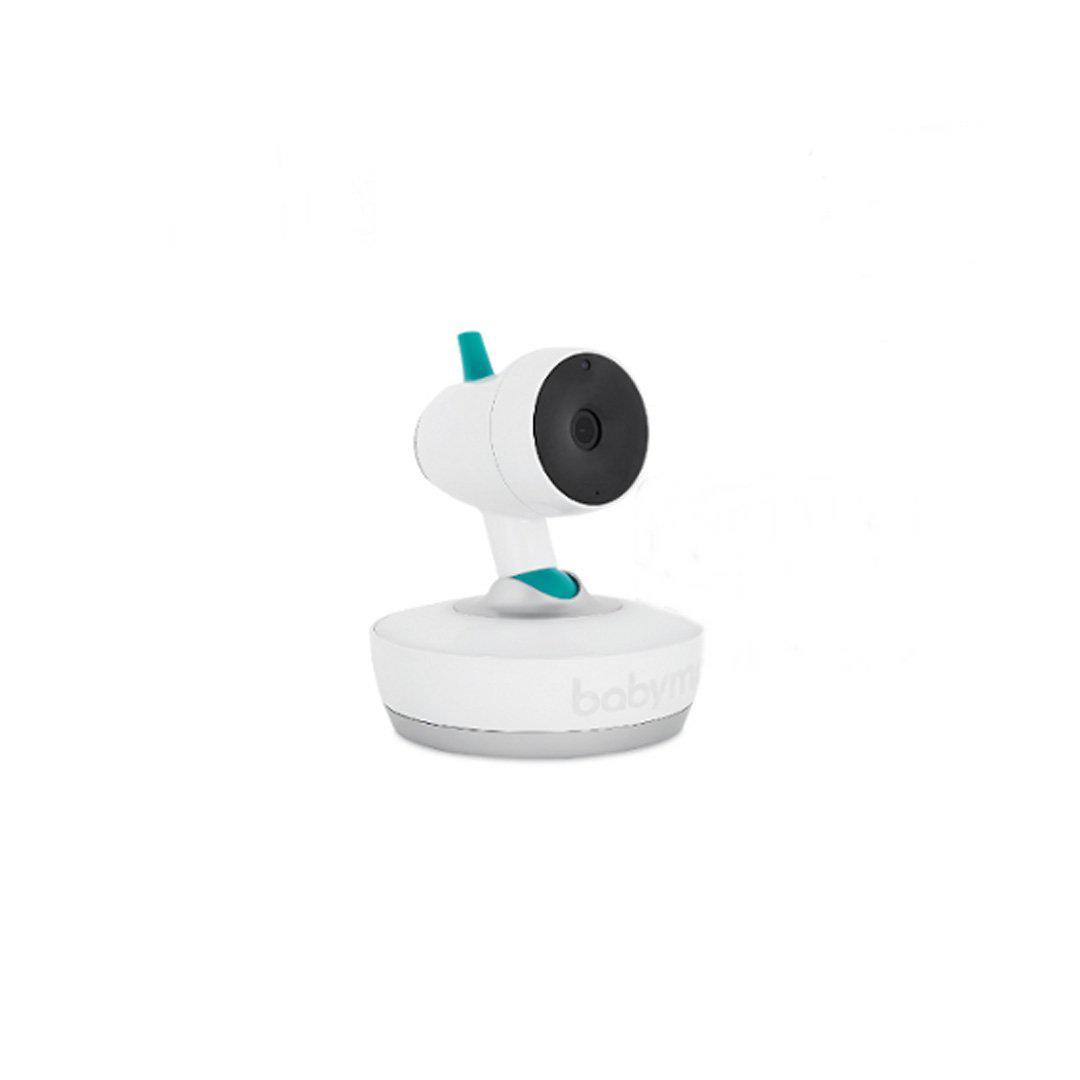
Features such as pan, tilt and zoom are worthwhile in a larger nursery or if you expect to reposition furniture as your child grows. A fixed camera can be perfectly sufficient for a newborn sleeping in one clear, well-framed space. Think about where the camera will sit before committing to extra movement controls.
Battery life and charging habits
A parent unit that needs charging midway through the evening is a frustration no one needs. Consider how long you usually spend away from a plug socket, whether the unit has an energy-saving or voice-activated mode, and how obvious its low-battery alert is.
Some smart monitors rely mainly on a phone or tablet. This can be convenient, but it also means your usual device may be tied up, its battery may drain faster and notifications may compete with everything else on your screen. A monitor with both an app and a separate parent unit offers more choice, particularly in the early months.
Useful features, rather than features for their own sake
Temperature display is one of the most popular additions to a nursery monitor. It gives you a helpful prompt to consider the room environment, but it should not replace dressing your baby appropriately for the conditions or following safe sleep guidance. Room readings can also vary depending on where the camera is positioned, so avoid placing it near a radiator, direct sunlight or a window.
Two-way talk can be reassuring once your baby is older, allowing you to use a familiar voice before you reach the room. Built-in lullabies, white noise and gentle lights can be handy too, although some parents prefer to keep sleep cues separate from the monitor itself.
Movement and breathing-monitoring functions deserve a little more thought. They may offer additional reassurance to some families, but no monitor can replace safe sleep practices or a caregiver's judgement. Choose a product with clear instructions, understand exactly what it measures and what its alerts mean, and avoid treating readings as medical advice. If you have specific health concerns about your baby, speak to your midwife, health visitor or GP.
Choosing a camera position safely
The best picture is never worth compromising safety. Place cameras, cords and power leads well out of your baby's reach, and never attach cables to the cot or crib. As your baby becomes more mobile, reassess the set-up regularly. A position high on a wall or securely placed across the room can provide a useful view while keeping equipment away from curious hands.
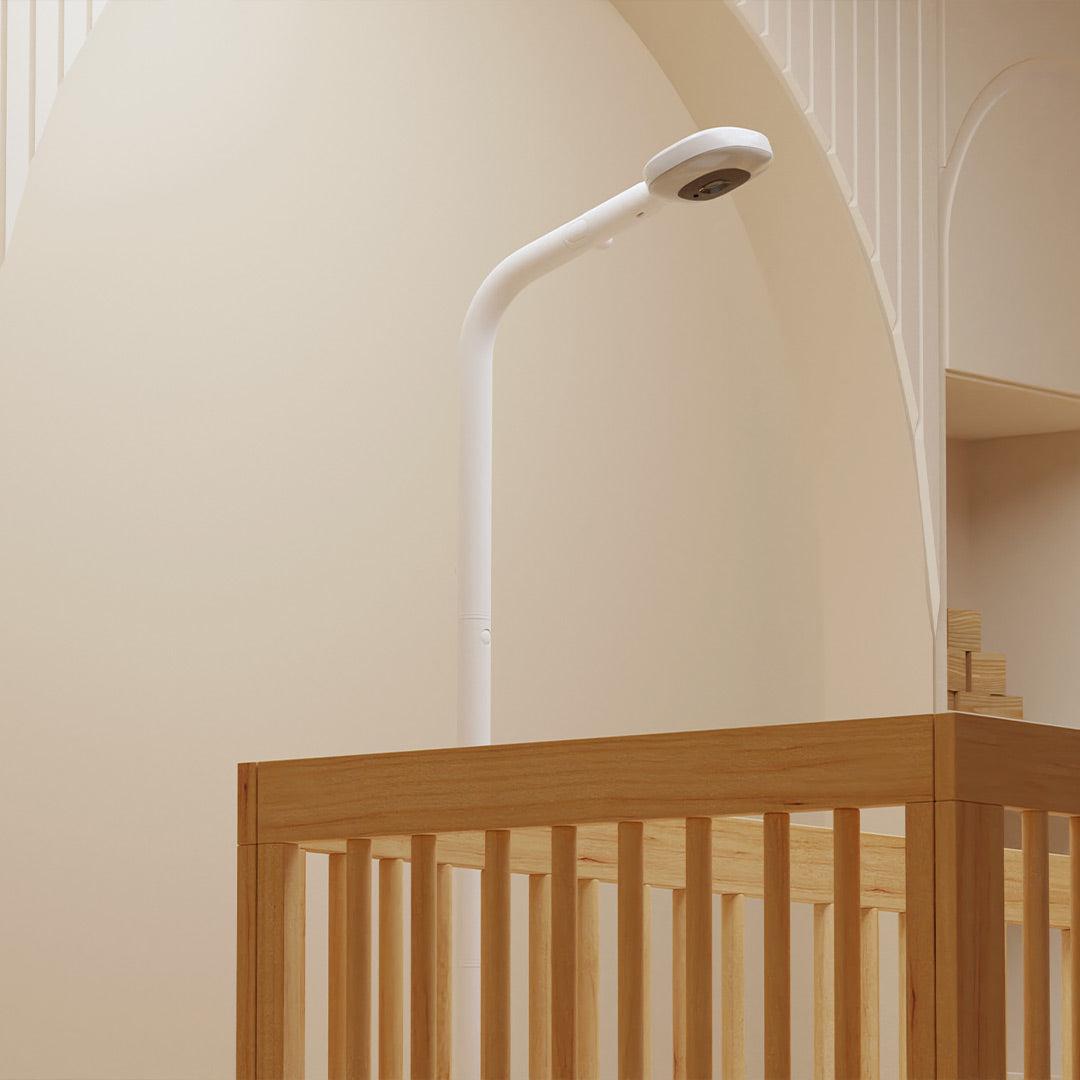
Aim the camera so you can see the sleep area clearly without moving or adding objects to the cot. A firm, flat mattress and an uncluttered sleep space remain the priorities. A monitor is there to support your routine, not to create a reason to keep checking the screen.
Think beyond the newborn stage
It is easy to shop only for the first few weeks, when every tiny sound can feel urgent. Yet a monitor can remain useful well into toddlerhood. Video is particularly helpful when a child moves into a bed, starts calling out at bedtime or needs the door left slightly open. Two-way talk and a night light can become more relevant later than they were for a newborn.
If you are planning for siblings, consider whether the monitor supports an additional camera and split-screen viewing. Buying a flexible system now may be more considered than replacing a single-camera monitor later. Equally, if you know you will use it only for a short period in a compact home, a simple, well-made audio option may be the better investment.
A considered checklist before you buy
Before choosing from the best baby monitors UK parents are considering, decide whether you need audio only, video, or app access; test where you would use the parent unit most; and check the practical details. Does the camera need wall mounting? Is the power lead long enough for a safe set-up? Can you adjust volume and screen brightness easily in the dark? Will a second camera be available if your family grows?
It is also worth choosing a monitor that feels at home in your nursery. Design-led, neutral finishes can sit quietly alongside a carefully chosen cot, nursing chair and soft furnishings, while intuitive controls mean any caregiver can use it without a tutorial. At Natural Baby Shower, that blend of trusted functionality and thoughtful nursery design is what makes a product feel like a lasting essential rather than another short-lived gadget.
The right monitor should give you the confidence to step away for a cup of tea, a conversation or a well-earned moment to yourself. Choose the level of connection that genuinely reassures you, set it up safely, and let it support the rhythm of family life rather than dictate it.


